

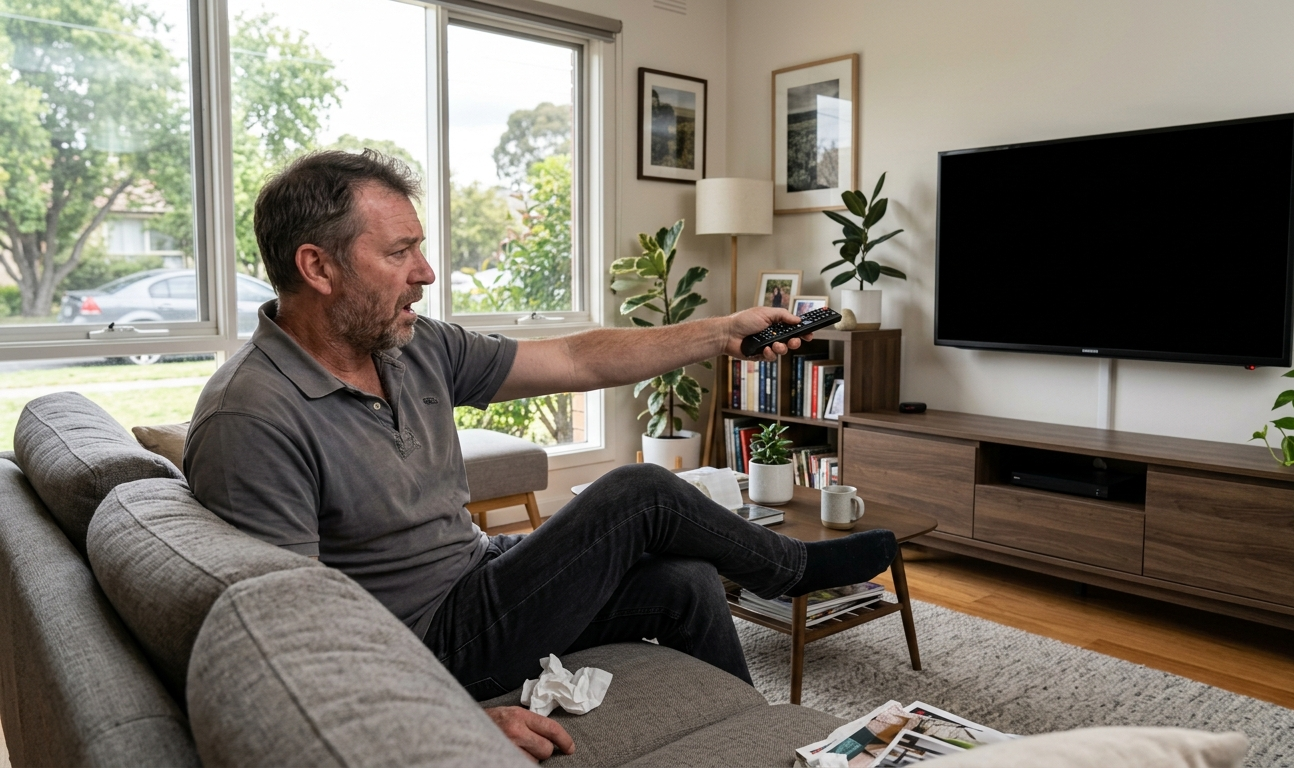
A black TV screen can be caused by a loose cable, faulty antenna signal, software glitch, or hardware failure. There are several reasons why a TV screen goes black, ranging from loose cables to antenna faults.. From checking cable connections and performing a power reset to attempting a TV pixelation fix by reseating your antenna cable, many issues are simpler to resolve than they appear. This guide, brought to you by Brocky’s TV Antennas on the Sunshine Coast, walks you through each step clearly so you can troubleshoot with confidence and know when it’s time to call a professional.
Why a Black TV Screen Is More Common Than You Think
We’ve all been there — you’re settled in for the evening, remote in hand, and suddenly the TV screen goes black. No picture, maybe some sound, or complete silence. A black TV screen is one of the most common complaints Australian households deal with, and the good news is that it doesn’t always mean your TV is broken beyond repair.
At Brocky’s TV Antennas, based in Maroochydore on the Sunshine Coast, we receive calls about this exact problem regularly. Before you panic or rush out to buy a new set, work through the steps below. Many causes are straightforward and fixable without a technician.
Step 1: Check All Your Cable Connections
This sounds obvious, but loose or damaged cables are behind a surprising number of black-screen calls we receive. Power cables, HDMI leads, coaxial antenna cables — any of these can work their way loose over time, particularly if your TV was recently moved or cleaned around.
Unplug every cable from the back of your TV and plug each one back in firmly. Pay special attention to your coaxial cable if you’re watching free-to-air television. A poor connection here doesn’t just kill the picture — it’s often the starting point for a TV pixelation fix as well, since a partially connected antenna cable causes both signal loss and screen blackouts.
Step 2: Perform a Power Reset
A power reset clears temporary software faults that can cause the screen to go black even when the TV appears to be on.
Here’s how to do it properly:
- Turn the TV Screen off using the remote or the physical power button.
- Unplug it from the wall — not just standby, fully unplugged.
- Wait a full 60 seconds.
- Plug it back in and turn it on.
This simple step resolves the issue in many cases. If your screen comes back, great. If it stays black, move on to the next steps.
Step 3: Rule Out the Input Source
Your TV screen may be working perfectly fine, but you could be on the wrong input. If you’ve recently changed devices or a child has been playing with the remote, it’s easy to end up on an input with no active source connected.
Use your remote to cycle through the available inputs — HDMI 1, HDMI 2, AV, antenna, and so on. Try each one. If the screen lights up on a different input, your original source device (set-top box, game console, DVD player) may have the problem, not the TV itself.
Step 4: Check Your Antenna Signal
If you’re watching free-to-air TV and the screen goes black — sometimes accompanied by a pixelated or frozen image before it cuts out — your antenna signal is a strong suspect. Weather conditions on the Sunshine Coast can sometimes cause the TV screen goes black on free-to-air channels.
Weak or interrupted antenna signals don’t just affect one channel. They can cause your entire TV to appear dead if the signal drops out completely. If you’ve been troubleshooting smart TV issues and the problem keeps coming back to signal quality, it’s time to have your antenna inspected.
A qualified TV installer near me search will bring up local professionals who can assess your antenna’s condition, check cable runs throughout the house, and identify whether interference or physical damage is affecting your reception. Don’t wait too long — a deteriorating antenna can cause ongoing problems that get worse over time.
Step 5: Update Your TV’s Software
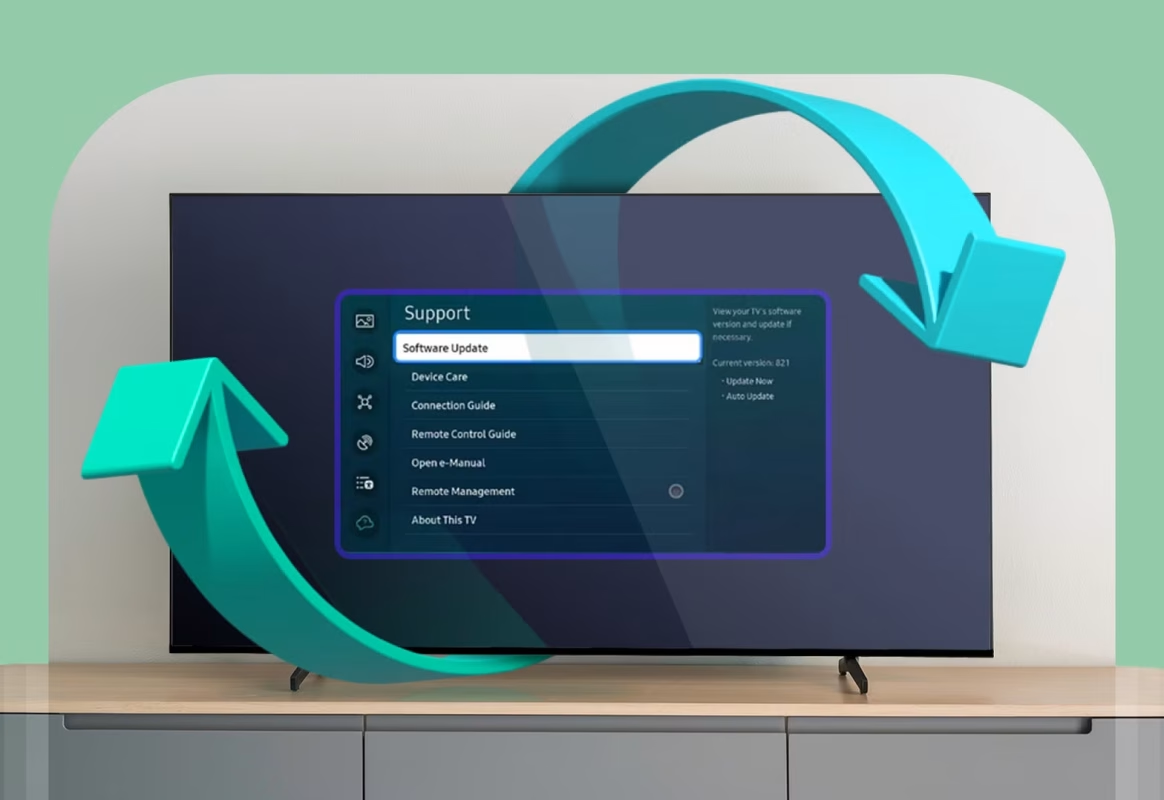
Modern smart TVs run on operating systems that receive regular updates. An outdated firmware version can cause display problems, including unexpected black screens. Go into your TV’s settings menu (if you can access it — sometimes the menu works even when the screen appears black), navigate to system or software update, and check whether an update is available.
If your screen is completely unresponsive, try connecting the TV to the internet via an Ethernet cable and leaving it running for an hour. Some TVs download and install updates automatically when connected.
Step 6: Check the Backlight
If you can hear your TV running — sound is coming through, and you can just barely make out a faint image when you shine a torch at the screen — your backlight has likely failed. This is a hardware issue and cannot be fixed at home without specialist tools and parts.
A failed backlight means the TV is technically working, but the lighting system behind the panel has gone out. At this point, depending on the age and value of the TV, repair or replacement may be worth weighing up with a professional.
When to Call a Professional
If you’ve worked through every step above and the TV screen goes black again and again, it’s time to bring in an expert. Some problems — damaged internal boards, failed capacitors, antenna cable faults deep within wall cavities — simply can’t be resolved with home troubleshooting.
For Sunshine Coast residents, TV antenna replacement may be the answer if your signal issues have been building up over time. Older antennas, particularly those exposed to coastal weather, degrade faster than many people realise. A fresh antenna installation with quality cabling can make a dramatic difference to picture reliability and clarity.
You can also follow us on Facebook for tips, updates, and special offers from our team.
Whether you need a wall mounting service, a WiFi solution, or a full antenna check, the team at Brocky’s TV Antennas is ready to help. We service homes and businesses across the Sunshine Coast from our location at Unit 6/12 Newspaper Place, Maroochydore QLD 4558. Call us, book online, and let’s get your screen back where it belongs.
FAQs
1. Why does my TV screen go black but sound still works?
This usually points to a backlight failure or loose HDMI connection. If you can faintly see a picture with a torch, the backlight has failed and needs professional repair.
2. Can a bad antenna cause a black screen?
Yes. A severely degraded antenna signal can cause free-to-air channels to go completely dark. If streaming apps still work but live TV goes black, your antenna is the likely cause.
3. How do I know if I need a TV antenna replacement?
Watch for persistent pixelation, channels dropping in and out, or picture quality worsening in bad weather. If your antenna is over 10 years old, a professional inspection is recommended.
4. Is a TV pixelation fix something I can do myself?
Sometimes. Re-seating the coaxial cable or running a channel auto-scan can help. But if pixelation persists, the cause is usually physical and needs a qualified technician.
5. How do I find a reliable TV installer near me on the Sunshine Coast?
Look for licensed local technicians with strong reviews and a service guarantee. Brocky’s TV Antennas has been serving the Sunshine Coast for years with professional installations and free quotes.