

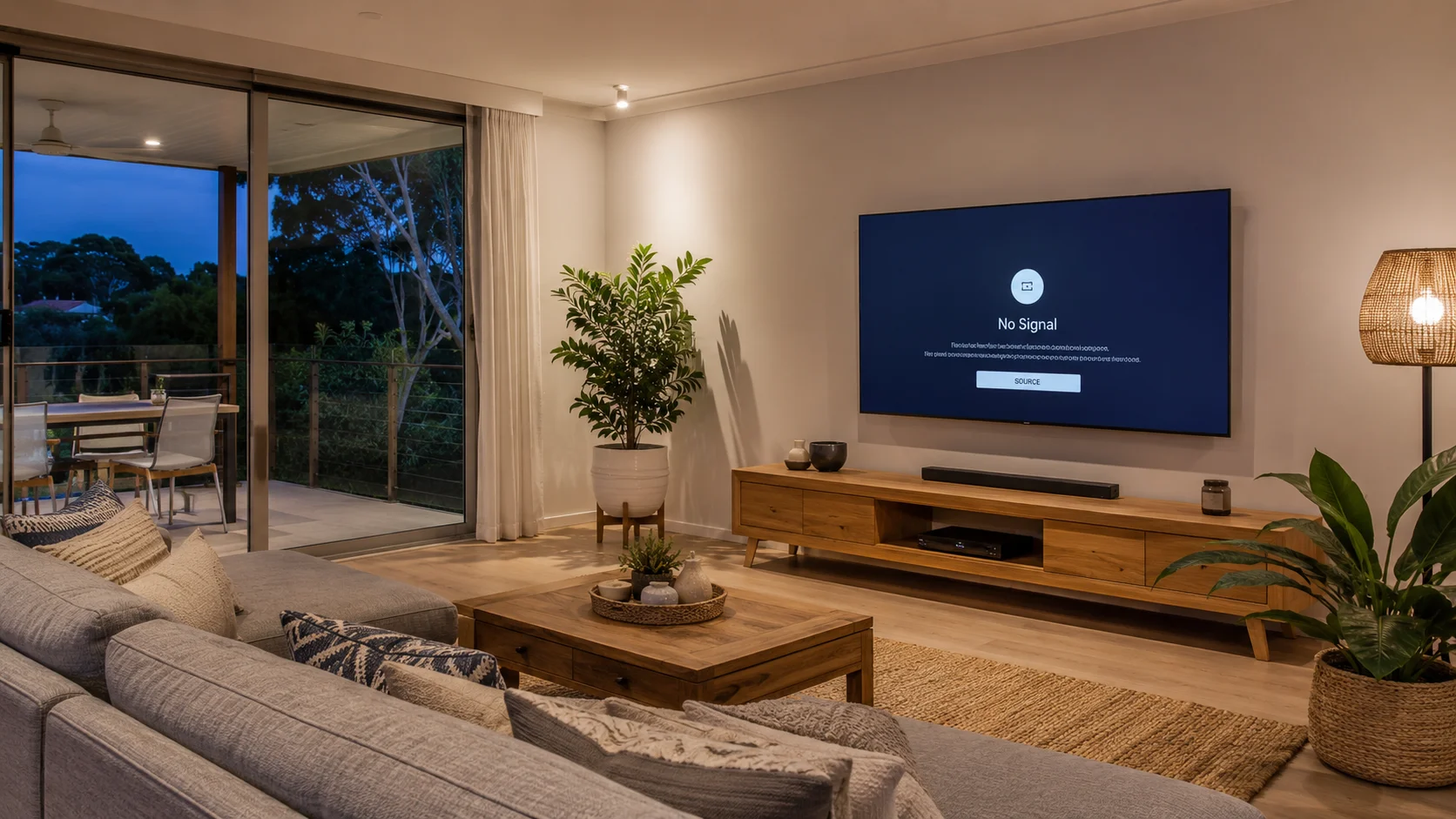
Your Smart TV is the centrepiece of your home entertainment setup. Whether you’re streaming your favourite series on Netflix, catching up on free-to-air, or setting up a new device, when your Smart TV starts playing up, the whole experience falls apart. The frustrating part? Most Smart TV issues start as small, easily identified faults that get worse the longer they’re left unattended.
At Brocky’s TV, we’ve helped hundreds of Sunshine Coast households diagnose and fix everyday Smart TV problems across Maroochydore, Caloundra, Noosa, and Buderim. We know the common faults, what causes them, and when a problem has gone beyond a DIY fix. Here’s a straightforward breakdown to help you work out what’s going wrong, and what to do about it.
The Most Common Smart TV Issues We See
1. Smart TV Running Slow or Freezing
A sluggish Smart TV is one of the most common Smart TV issues Sunshine Coast households deal with. It’s usually caused by too many apps running in the background, limited internal memory, or outdated firmware.
What causes it:
- Too many apps running simultaneously in the background
- Limited internal storage or RAM filling up over time
- Outdated firmware that hasn’t been updated in months
What you can try:
- Restart the TV to clear its cache and free up memory
- Uninstall apps you no longer use to free up storage
- Check for a firmware update under Settings and install it
- If nothing works, perform a factory reset to give your TV a clean slate
2. Streaming Apps Crashing or Buffering
If Netflix, Stan, or YouTube keeps crashing or buffering endlessly, the problem is almost always your internet connection or corrupted app cache data.
What causes it:
- Weak or unstable Wi-Fi signal reaching the TV
- Corrupted app cache data building up over time
- Outdated app version that needs an update
What you can try:
- Clear the app cache or uninstall and reinstall the app
- Restart your modem and router at the wall
- Check your internet speed most streaming services need at least 25 Mbps for HD content
- Move your router closer to the TV, or use a wired Ethernet connection for a more stable signal
Persistent buffering is often a network issue rather than a TV fault. If your Wi-Fi is consistently unreliable, your home network setup may need attention.
3. No Sound or Distorted Audio
Audio problems on a Smart TV are usually a settings issue rather than a hardware fault so don’t panic before you’ve run through the basics.
What causes it:
- Incorrect audio output selected in TV settings
- Accidental Bluetooth connection to a speaker that’s no longer in range
- Firmware glitch affecting the audio processing
What you can try:
- Make sure the volume isn’t muted and the correct audio output is selected
- Check whether the TV is pushing audio through a Bluetooth device that isn’t connected
- Unplug the TV for 60 seconds and restart it completely
- Test a different channel or streaming app to rule out a broadcast issue
4. Remote Control Not Working

Before you order a replacement, try these simple steps. Most remote issues are minor and very easy to resolve without spending a cent.
What causes it:
- Flat or low-power batteries affecting signal strength
- Bluetooth pairing that’s dropped and needs resetting
- Obstruction between the remote and the TV sensor
What you can try:
- Replace the batteries even if the remote light still blinks, low power affects performance
- Remove the batteries, hold the power button for 10 seconds, then reinsert them
- Re-pair the remote if it uses Bluetooth
- Remove any objects blocking the line of sight between the remote and TV sensor
- Use your TV manufacturer’s app on your phone as a temporary remote
5. Smart TV Won’t Connect to Wi-Fi
Connectivity issues are among the most common Smart TV issues we see on the Sunshine Coast, particularly in homes with older routers or thick walls blocking the signal.
What causes it:
- Router firmware that hasn’t been updated
- TV network settings that need refreshing
- Wi-Fi signal too weak to reach the TV reliably
What you can try:
- Restart both your TV and your router at the wall
- Forget the Wi-Fi network on your TV and reconnect from scratch
- Make sure your router firmware is up to date
- Check if other devices are connecting fine if they are, the issue is with the TV settings, not your internet
6. Smart TV Won’t Turn On
If your TV shows no signs of life at all, it could be a simple power issue or a deeper internal fault.
What causes it:
- Power cord not seated properly at either end
- Power board or internal supply failing
- Standby mode fault causing the TV to not wake properly
What you can try:
- Check the power cord is securely plugged in at both ends
- Try a different power outlet
- Unplug the TV, wait 60 seconds, and plug it back in
- Check if the standby light is on if there’s no light at all, the internal power supply may have failed
If the TV still won’t respond after all of this, it’s time to call in a professional.
When to Stop Troubleshooting and Call a Technician
Some Smart TV issues are straightforward enough to handle yourself. But these are clear signs your TV needs professional attention rather than another DIY attempt:
- Persistent freezing or crashing after a factory reset
- No picture but sound is present
- TV powers off randomly and won’t stay on
- Physical damage to ports, screen, or internal components
- Wi-Fi that simply refuses to connect after every troubleshooting step
If your issues extend beyond the TV itself such as poor antenna signal causing pixelation or dropouts check out our guide on hiding TV cables for a clean look for tips on keeping your whole setup tidy and professional.
For a properly configured Smart TV setup from the very start, our Smart TV setup service on the Sunshine Coast covers everything apps, network, audio, picture settings, and a personal walkthrough so you’re not troubleshooting a week after unboxing.
If you’re also looking to elevate your home entertainment experience, our home theatre services cover everything from surround sound to full room integration.
What the Experts Say
According to TV Parts Today’s troubleshooting guide, the majority of common TV problems can be traced back to a handful of recurring causes many of which are fixable at home with the right steps.
It’s also worth understanding how your Smart TV works at a technical level. As outlined onWikipedia’s Smart TV page, Smart TVs integrate internet connectivity and interactive web features directly into the television which means software stability, network quality, and regular firmware updates all play a critical role in how reliably your TV performs day to day.
Why Sunshine Coast Locals Trust Brocky’s TV
We’re a local service, not a call centre or mail-away repair operation. When you reach out to Brocky’s TV, an experienced technician with real hands-on knowledge of Smart TV systems, antennas, and home entertainment setups talks to you directly, gives you an honest assessment, and helps you understand your options before any work begins.
Here’s what you get with every service at Brocky’s TV:
- Experienced local technicians across all major Smart TV brands
- Honest advice we’ll tell you if it’s not worth repairing
- Fast response times, because we know you need your TV working
- Transparent, upfront pricing with no hidden surprises
- A personal walkthrough so you actually know how to use your setup
Don’t just take our word for it see what Sunshine Coast locals have to say about our work before you book.
Get Your Smart TV Sorted Today
Don’t let a Smart TV fault ruin your evenings or your weekend. Whether it’s a simple settings fix or a full professional setup, the team at Brocky’s TV is ready to help.
From Smart TV setup and troubleshooting to antenna installations and home theatre builds, you can find everything we do at Brocky’s TV.
Visit us at 6/12 Newspaper Place, Maroochydore QLD 4558, call us on 0754059022, Monday to Friday between 9:00am and 5:00pm.
Contact Brocky’s TV today and we’ll have your Smart TV assessed and running smoothly as soon as possible.
FAQs
1. Why does my Smart TV keep freezing even after a restart?
If restarting doesn’t help, the issue is likely outdated firmware or insufficient memory caused by too many installed apps. Try a firmware update first, then a factory reset if the problem continues.
2. Is it worth repairing a Smart TV or should I just replace it?
In most cases, repair is significantly more cost-effective especially if the fault is software-related, a failed power supply, or a connectivity issue. A technician can assess whether repair or replacement makes more sense for your specific model.
3. Why won’t my Smart TV connect to Wi-Fi even though other devices can?
The most common cause is stale network settings on the TV itself. Forget the network, restart both the TV and router, and reconnect from scratch. If the issue persists, the TV’s Wi-Fi module may need attention.
4. Why do my streaming apps keep crashing on my Smart TV?
App crashes are usually caused by corrupted cache data or an outdated app version. Clear the app cache, update the app, or uninstall and reinstall it. If multiple apps crash, a firmware update or factory reset is the next step.
5. When should I call a professional for Smart TV issues?
If basic troubleshooting including restarts, factory resets, and firmware updates doesn’t resolve the issue, or if you’re experiencing hardware faults like no picture, no power, or random shutdowns, it’s time to contact a qualified technician.