

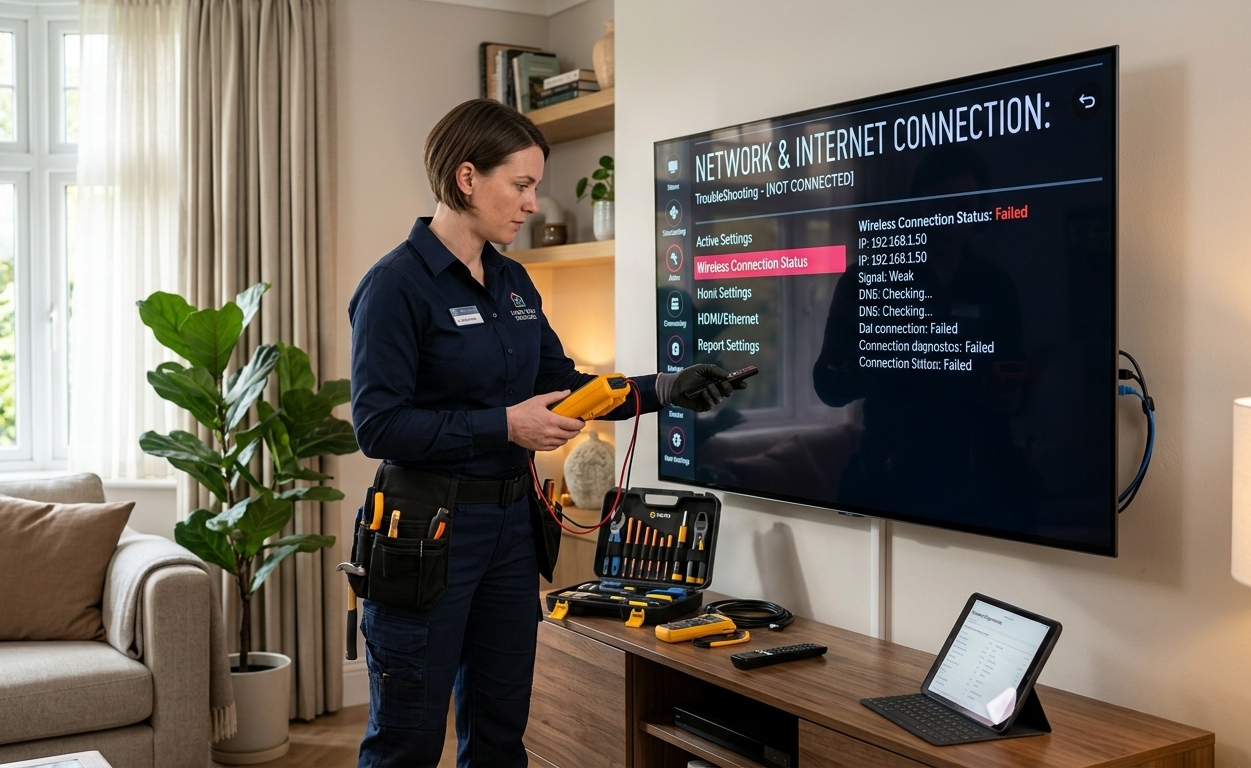
Smart TVs make it easy to enjoy movies, live channels, and streaming platforms directly from your television. However, many homeowners experience streaming interruptions that affect their viewing experience. Slow loading apps, buffering videos, or connection errors can turn a relaxing movie night into a frustrating experience.
Most Smart TV streaming problems are related to internet connectivity, software updates, or incorrect device settings. The good news is that many of these issues can be fixed with simple troubleshooting steps. Understanding the common causes can help restore smooth streaming performance quickly.
1. Streaming Videos Keep Buffering
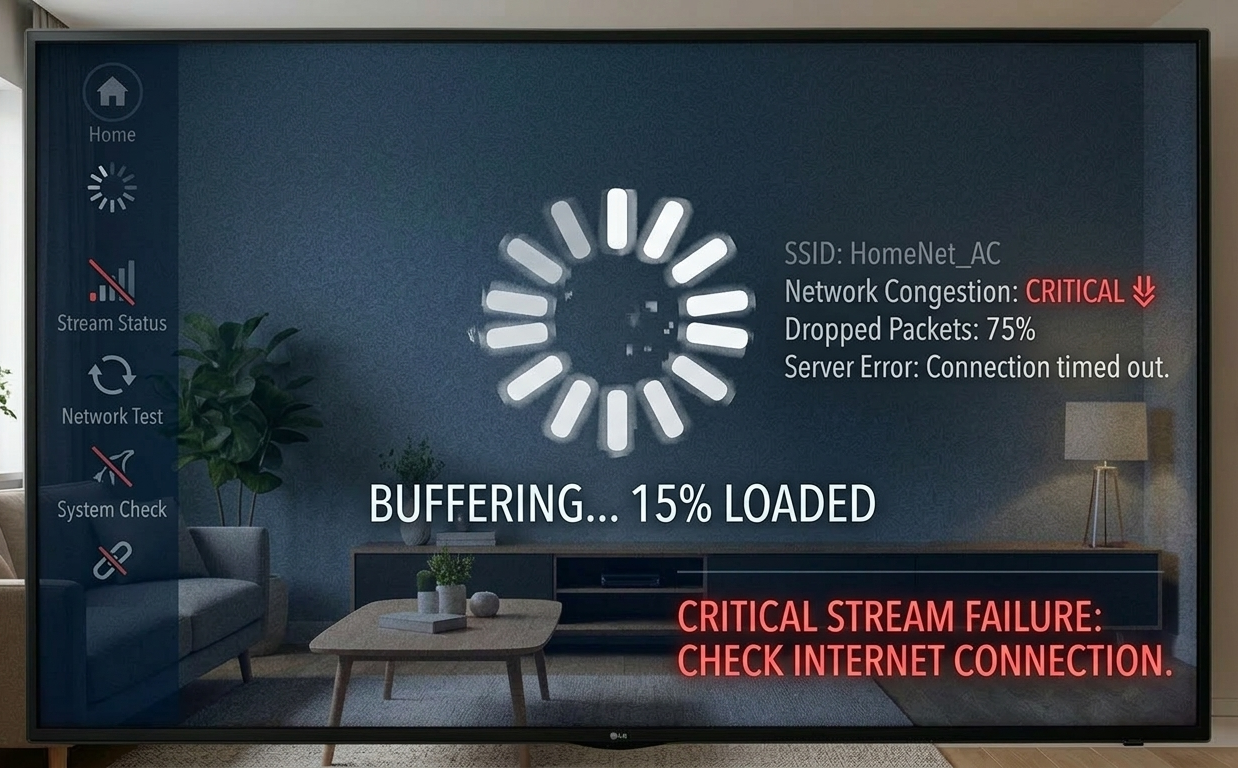
Buffering is one of the most common problems when watching online content. Videos may pause repeatedly while the TV loads data from the internet.
Possible causes
- Slow internet speed
- Weak WiFi signal
- Network congestion
How to fix it
- Restart your router and Smart TV
- Move the router closer to the TV
- Reduce streaming resolution if internet speed is limited
Improving network stability often provides a quick TV buffering fix.
2. Streaming Apps Taking Too Long to Load
Sometimes apps like Netflix or YouTube may take longer than usual to open.
Possible reasons
- Too many apps installed
- Outdated TV software
- Slow internet connection
How to fix it
- Remove unused apps
- Restart the TV
- Update the Smart TV software
Regular updates help maintain smooth streaming performance.
3. WiFi Signal Too Weak for Streaming
Large homes or thick walls can weaken WiFi signals, especially if the router is far from the television.
Possible solutions
- Move the router to a central location
- Use a WiFi extender or mesh system
- Connect the TV using an Ethernet cable
Improving signal strength can make streaming more stable.
Smart TV streaming problems can occur due to slow internet speeds, weak WiFi signals, or outdated software, which may cause buffering, app crashes, or interrupted viewing.
4. Apps Crashing During Streaming
Apps sometimes freeze or close unexpectedly while playing videos.
How to fix it
- Restart the application
- Clear the app cache if the option is available
Reinstall the streaming app
Software updates also help fix compatibility issues.
5. Poor Picture Quality While Streaming
Low resolution or blurry images can appear when the internet speed drops.
Possible fixes
- Check internet speed
- Change streaming quality settings
- Restart the router
Stable internet usually improves video clarity.
6. Smart TV Keeps Disconnecting from WiFi
Frequent disconnections can interrupt streaming and prevent apps from loading properly.
Solutions
- Restart the router and TV
- Update the Smart TV firmware
- Check router placement
Stable connections are essential for uninterrupted streaming.
For a more detailed guide on diagnosing and fixing television issues, you can also read our guide on troubleshooting common Smart TV issues, which explains additional solutions for connectivity, streaming, and performance problems.
7. Screen Mirroring Not Working with Streaming Apps
Some users mirror content from phones or laptops to their Smart TVs. If mirroring stops working, the issue is usually related to network configuration.
How to fix it
- Ensure both devices are connected to the same WiFi network
- Restart both devices
- Update the TV software
Poor picture quality during Smart TV streaming can occur due to slow internet speeds, low streaming resolution, or unstable WiFi connections, which may cause blurry or pixelated images.
Stable connectivity helps screen mirroring function smoothly.
8. Audio and Video Not Syncing While Streaming
Sometimes the audio may play slightly before or after the video.
Possible solutions
- Restart the streaming app
- Adjust audio delay settings
- Check HDMI connections if using external speakers
These adjustments often correct audio synchronization problems.
Professional Help for Smart TV and Streaming Issues
Although many streaming issues can be solved at home, some problems require professional assistance. Signal issues, network configuration errors, or hardware faults may affect Smart TV performance.
Professional technicians can assist with:
- TV installation
- Antenna installation
- Wall mounting services
- WiFi network optimization
- Home entertainment setup
Proper installation ensures better signal strength and stable internet connectivity.
Benefits of Hiring a Professional TV Installer
Hiring a professional TV installer near me can help ensure your television is correctly mounted, connected to a stable signal source, and configured for optimal streaming performance. Professional technicians can also improve WiFi connectivity and antenna reception for a better viewing experience.
Smart TV Services on the Sunshine Coast
A well-installed Smart TV system provides smooth streaming and reliable connectivity. Brocky’s TV Antennas offers services including TV installation, antenna setup, wall mounting, and WiFi solutions across the Sunshine Coast.
If your Smart TV continues experiencing streaming issues, professional technicians can inspect the setup and help restore optimal performance.
You can also follow Brocky’s TV on Facebook for service updates, helpful tips, and information about TV installation and home entertainment support.
FAQs
1. Why does my Smart TV keep buffering while streaming?
Buffering usually happens because of slow internet speed, weak WiFi signals, or network congestion. Restarting the router, improving signal strength, or lowering the streaming resolution can often fix the problem.
2. How can I improve streaming quality on my Smart TV?
You can improve streaming quality by checking your internet speed, updating the Smart TV software, placing the router closer to the television, and limiting other devices using the same network.
3. Why do streaming apps keep crashing on my Smart TV?
Streaming apps may crash if the TV software is outdated or if the app data becomes corrupted. Restarting the television, updating the app, or reinstalling it can usually resolve the issue.
4. Can weak WiFi cause Smart TV streaming problems?
Yes, weak or unstable WiFi signals can cause buffering videos, slow loading apps, and interrupted streaming sessions. Improving router placement or strengthening the network connection can help solve the issue.
5. When should I call a professional TV technician?
If basic troubleshooting does not fix the issue or if the problem involves signal setup, antenna installation, or network configuration, a professional TV technician can inspect the system and provide the correct solution.