

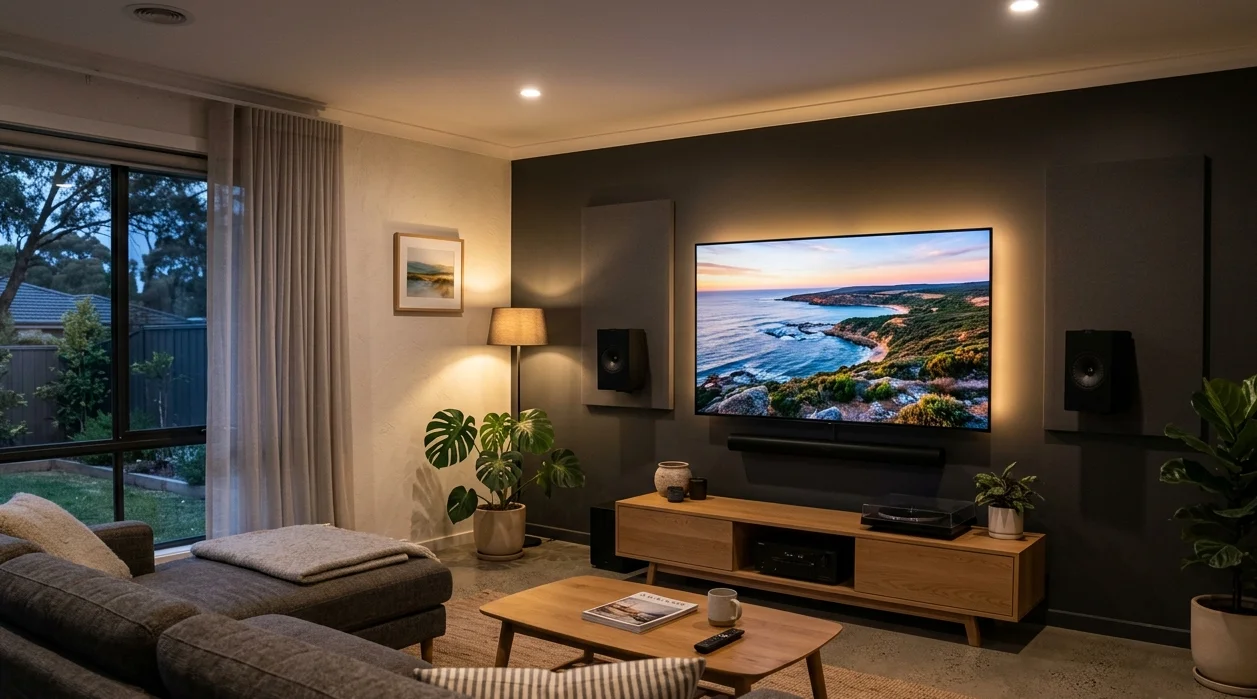
A well-planned home theatre setup transforms the way you watch movies, sport, and TV at home. But get a few key things wrong, and even expensive equipment will underperform, leaving you with muddy audio, a picture that strains your neck, and a streaming experience that constantly buffers.
At Brocky’s TV, we’ve helped hundreds of Sunshine Coast households get their home theatre setup right, and we’ve seen the same avoidable mistakes come up time and time again. Here’s what to watch out for before you start, or fix if your current setup isn’t delivering what it should.
Why Getting Your Home Theatre Setup Right Matters
As Wikipedia’s overview of home cinema explains, a home theatre system aims to reproduce a movie theatre experience using consumer-grade video and audio equipment. The difference between a system that delivers on that promise and one that falls flat almost always comes down to setup decisions, not equipment price.
The good news is that most home theatre setup mistakes are completely avoidable with the right knowledge upfront.
The Most Common Home Theatre Setup Mistakes
1. Mounting the TV at the Wrong Height or Distance
This is one of the most common home theatre setup errors we see across Sunshine Coast homes. Mounting the TV too high forces viewers to tilt their necks upward for extended periods, which becomes genuinely uncomfortable during a two-hour film or a full afternoon of sport.
The ideal position places the centre of the screen at seated eye level. Distance matters just as much as height. Sitting too close causes eye strain and makes individual pixels visible on lower-resolution content. Sitting too far reduces the immersive quality that makes a home theatre worthwhile.
A quick rule of thumb: for a 65-inch TV, a seating distance of roughly 2.5 to 3.5 metres delivers the best viewing experience. For a 75-inch or larger screen, move that range out slightly.
2. Ignoring Room Acoustics
Spending money on a quality surround sound system and then placing it in an acoustically poor room is one of the most frustrating home theatre setup mistakes a Sunshine Coast homeowner can make. Hard surfaces like tiles, glass windows, and bare concrete walls reflect sound waves, causing echo, unclear dialogue, and a generally muddy audio experience.
Simple acoustic improvements that make a real difference:
- Adding rugs or carpet to absorb floor reflections
- Using curtains or blinds on large glass windows
- Including soft furnishings like sofas, cushions, and wall art to break up flat reflective surfaces
- Avoiding rooms with parallel hard walls where possible
You don’t need acoustic panels or soundproofing foam to improve your room’s acoustics significantly. A few thoughtful furnishing choices go a long way.
3. Poor Speaker Placement
Even a premium surround sound system sounds ordinary when the speakers are in the wrong positions. This is one of the most technically consequential home theatre setup decisions you’ll make.
Common speaker placement mistakes:
- Front speakers pushed flat against the wall rather than angled toward the seating position
- Centre channel speakers placed too high or low, affecting dialogue clarity
- Surround speakers placed directly to the side rather than slightly behind and above ear level
- Subwoofers tucked into corners without testing whether that position creates unwanted bass buildup
4. Skipping System Calibration
Most AV receivers and soundbars include automatic calibration tools that measure the acoustic characteristics of your room and adjust speaker levels, timing, and equalisation accordingly. Skipping this step is a missed opportunity that leaves significant audio quality on the table.
Calibration takes around fifteen minutes with most modern systems and requires nothing more than placing the included microphone at your primary seating position. The improvement in dialogue clarity, surround sound balance, and overall audio quality is consistently noticeable.
5. Using the Wrong HDMI Cables
Outdated or poor-quality HDMI cables are responsible for more home theatre setup headaches than most people realise. Symptoms often blamed on the TV, receiver, or streaming service, including resolution that doesn’t match the panel’s capability, audio sync issues, and connection dropouts, frequently trace back to the cables themselves.

For any modern home theatre setup running 4K content with HDR:
- Use HDMI 2.1 certified cables for connections between your TV, receiver, and source devices
- Keep cable runs as short as practical, longer runs increase the risk of signal degradation
- Avoid cheap unbranded cables, certified cables from reputable brands are worth the modest additional cost
6. Overlooking Cable Management
Loose, tangled cables don’t just look untidy in a home theatre setup. They create safety hazards, cause signal interference, and make future changes or troubleshooting significantly harder. Cables that get stepped on, repeatedly bent, or pulled taut at the connectors also wear out faster.
Good cable management habits:
- Route cables behind walls or through cable channels wherever possible
- Bundle cables together with labelled velcro ties rather than zip ties that can’t be easily adjusted
- Leave some slack at every connection point to reduce stress on the connectors
- Keep power cables and signal cables separated to minimise interference
7. Weak or Unreliable Internet for Streaming
A beautiful home theatre setup is let down badly by a streaming experience that buffers, drops resolution unexpectedly, or cuts out altogether. Most streaming issues in Sunshine Coast homes aren’t caused by the streaming service itself, they’re caused by poor Wi-Fi signal at the TV’s location.
Solutions that genuinely help:
- Connect your smart TV or streaming device via Ethernet cable rather than Wi-Fi wherever possible
- If Wi-Fi is the only option, position your router closer to the home theatre area
- Consider a Wi-Fi mesh node or extender specifically placed to cover the viewing room
- Upgrade to a Wi-Fi 6 router if your current hardware is more than four years old
8. Poor Ventilation Around Equipment
AV receivers, gaming consoles, and streaming devices generate significant heat during extended use. A home theatre setup that crams all components into a closed cabinet without airflow creates conditions for overheating, unexpected shutdowns, and shortened equipment lifespan.
Ensure at least a few centimetres of clearance around each component, use equipment racks with open backs and sides, and never stack components directly on top of each other without a gap.
9. Attempting Complex Installation Without Experience
DIY works well for straightforward home theatre setup tasks like connecting cables and configuring streaming apps. It becomes a risk when it involves structural wall mounting for large screens, in-wall speaker installation, or complex AV receiver configuration with multiple source devices.
Getting these elements wrong results in repeated adjustments, potential wall damage, and a setup that never quite performs as it should. Professional installation gets everything right from the start.
For more detail on what a professional home theatre installation involves from start to finish, our home theatre installation beginner’s guide is a useful read before you book.
Get Your Home Theatre Setup Right the First Time
A properly installed home theatre setup delivers years of genuinely enjoyable viewing. Done right, it’s one of the best investments a Sunshine Coast household can make in their home entertainment experience.
See what other Sunshine Coast locals think of our work by reading what our customers say before you get in touch.
Explore our full range of TV mounting, antenna, smart TV, and home theatre services at Brocky’s TV.
Call us on 0754059022, Monday to Friday during business hours.
Contact us today to book your home theatre setup consultation or get a no-obligation quote on any installation work across the Sunshine Coast.
FAQs
1. What is the most common home theatre setup mistake?
Incorrect TV mounting height and poor speaker placement are the two most consistent issues we see, both significantly affect viewing comfort and audio quality.
2. How far should I sit from my TV?
For a 65-inch TV, 2.5 to 3.5 metres works well. Scale up proportionally for larger screens. The goal is immersive viewing without pixelation or neck strain.
3. Can I improve my setup without buying new equipment?
Often yes. Correct speaker placement, system calibration, cable upgrades, and acoustic improvements frequently deliver more noticeable results than new hardware.
4. Should I hire a professional for my home theatre setup?
For wall mounting large screens, in-wall speakers, or complex AV configuration, professional installation saves time, reduces risk, and delivers a better result.
5. How do I fix streaming issues in my home theatre?
Connect your TV or streaming device via Ethernet rather than Wi-Fi. If that’s not practical, improving router placement or adding a mesh Wi-Fi node near your viewing room usually resolves it