

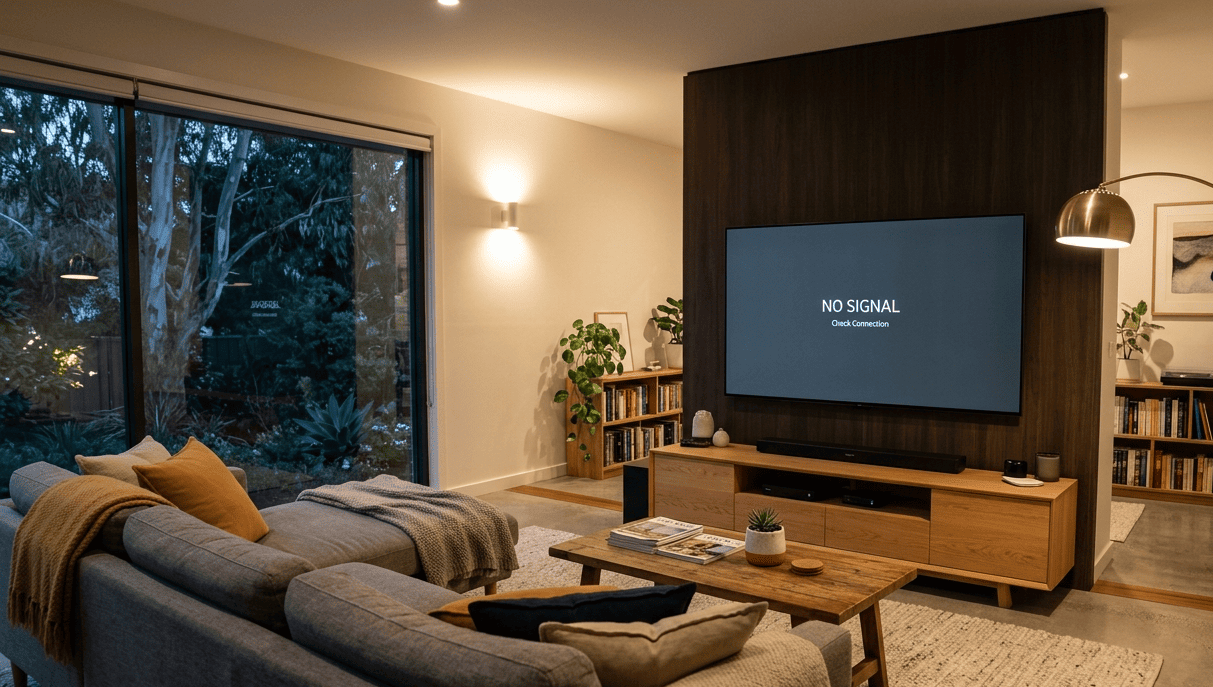
That dreaded message No Signal on Your TV usually appears at the worst possible moment. The big game is about to start, the family is settled in for movie night, or you’ve just sat down after a long day. Whatever the timing, a no signal message doesn’t mean your television has broken. In most cases, it means something in the chain between your antenna and your TV has failed, and many of those failures have straightforward fixes.
At Brocky’s TV, we diagnose and fix no signal on TV situations across the Sunshine Coast regularly. Here’s a clear, practical guide to what’s actually causing it and what to do about each one.
What Does “No Signal” Actually Mean?
When your television displays a no signal message, it means the tuner inside the TV isn’t receiving a usable signal from the connected source. This could be your antenna, a set-top box, an HDMI device, or your cable connection. The message itself doesn’t tell you which part of the chain has failed, which is why working through the causes systematically is the fastest way to find the fix.
The Most Common Causes of No Signal on Your TV
1. You’re on the Wrong Input
This is the most common cause of a no signal on TV message and the easiest to rule out. If your television is set to an HDMI input with nothing connected, or to a source that isn’t active, it will display a no signal message regardless of how good your antenna or reception is.
What to do:
- Press the Input or Source button on your remote and cycle through available inputs
- Select the correct input for what you’re trying to watch, typically the TV or ANT input for free-to-air channels
- If you’re using a set-top box or streaming device, confirm it’s powered on and the correct HDMI input is selected
2. Your Antenna Cable Has Come Loose or Been Damaged
A no signal on TV situation that appears suddenly, particularly after a storm, a renovation, or moving furniture, is frequently caused by a dislodged or damaged antenna cable connection.
What to check:
- Trace the antenna cable from the back of the television to where it connects to the wall plate
- Ensure both ends are firmly seated, the connector at the TV and the plug at the wall
- Look for visible damage to the cable near both connector ends, kinks, splits, or crushing
- Try a different cable if one is available to rule out a cable fault
A cable that’s been partially dislodged or damaged will produce either a no signal message or severe pixelation depending on how much signal is getting through.
3. Your Antenna Has Been Moved or Damaged
If your no signal on your TV problem appeared after a storm, strong winds, or heavy rain, your antenna may have shifted out of alignment. Even a small change in antenna direction can significantly reduce signal strength, and a large shift can eliminate it entirely.
What to check:
- Visually inspect your antenna from the ground if it’s safe to do so
- Look for visible physical damage, a bent mast, missing elements, or the antenna pointing in an obviously wrong direction
- Check whether neighbours on the same street are experiencing the same issue, which would suggest a transmitter problem rather than your specific antenna
Do not attempt to access your roof to realign the antenna without proper safety equipment and experience. This is exactly the kind of job where a professional assessment prevents a safety incident.
4. Your Channels Haven’t Been Scanned or Have Changed Frequency
Digital free-to-air channels in Australia occasionally change transmission frequencies as part of the ongoing management of the broadcast spectrum. When this happens, previously saved channels disappear and your TV displays a no signal on your TV message for those channels even though the signal is present.
What to do:
- Navigate to your TV or set-top box Settings menu
- Find the Channel Scan or Auto Tune option and run a full channel scan
- Allow the scan to complete fully before testing
This is a free and simple fix that resolves a significant number of no signal complaints on the Sunshine Coast, particularly following any announcement about channel changes from the ACMA.
5. Your Signal Is Too Weak to Maintain Reliable Reception
A no signal on your TV situation that comes and goes, particularly during adverse weather or in the evenings, points to a signal that’s marginal rather than completely absent. Digital television is intolerant of weak signals. Where analogue television would simply produce a snowy but viewable picture, digital television drops out entirely once the signal falls below the minimum threshold for reliable decoding.
Common causes of marginal signal strength:
- The antenna is located in a fringe reception area some distance from the Mt Cooroora or Gympie transmitter
- Trees, buildings, or topography that wasn’t previously obstructing the signal have changed
- The antenna or cabling has degraded over time, reducing signal delivery to the television
- A passive splitter is dividing the signal to multiple televisions without adequate incoming signal to support the split
For a detailed look at what causes poor TV reception and the full range of fixes, poor TV reception fix covers every contributing factor and what to do about each one.
6. Your Set-Top Box or Connected Device Has a Fault
If the no signal on your TV message appears specifically on an HDMI input connected to a set-top box, streaming device, or Blu-ray player, the issue may be with the connected device rather than the television’s antenna system.
What to check:
- Restart the connected device completely by unplugging it from the wall
- Try a different HDMI cable
- Test the device on a different HDMI port on the television
- Try the connected device on a different television to confirm whether the fault is in the device or the TV
7. Your Antenna System Needs Professional Assessment
If you’ve worked through all of the above checks and you’re still getting a no signal on your TV message, the antenna system itself needs professional inspection. Faults that are beyond home troubleshooting include:
- Corroded or deteriorated coaxial cable that’s degraded over time
- A failed masthead amplifier that was boosting a marginal signal and has stopped working
- Physical antenna damage that isn’t visible from the ground
- Faulty distribution equipment splitting the signal to multiple rooms
As covered in how digital television signal transmission and reception works, digital terrestrial television requires a minimum signal quality threshold to decode correctly, and any fault in the antenna, cable, or distribution system that reduces signal below this threshold produces complete dropout rather than degraded picture quality.
For a properly specified and professionally installed antenna system that eliminates no signal on TV issues permanently, TV antenna installation on the Sunshine Coast covers site assessment, hardware specification, and full installation across the region.
If the signal is present but needs amplification to serve multiple TV points or a property in a fringe reception area, TV antenna boosters and amplifiers covers the right solution for each situation.
For further guidance on what ACMA says about television reception standards and what Australian households can expect from their free-to-air service, ACMA’s consumer guide to TV reception is the authoritative reference for Australian broadcast reception standards.
Why Sunshine Coast Locals Trust Brocky’s TV
We’re a local antenna service, not a national call centre. When you contact Brocky’s TV, an experienced local technician measures your actual signal levels, inspects your antenna and cabling, and gives you an honest assessment of what’s causing the no signal on your TV issue before any work is recommended.
Here’s what you get with every service at Brocky’s TV:
- Signal meter testing at the antenna and at each TV point in the home
- Honest diagnosis before any equipment is recommended or purchased
- Professional antenna realignment, cable repair, and booster installation where needed
- Full signal testing after any work to confirm the fix
- Transparent, upfront pricing with no surprises
We’ll let the locals we’ve helped do the talking.
Fix Your No Signal TV Problem Today
Don’t put up with a no signal on your TV situation that keeps coming back. Whether it’s a channel rescan, a cable replacement, or a full antenna assessment, the team at Brocky’s TV is ready to help.
From fixing no signal on TV issues to full antenna installations and booster services across the Sunshine Coast, you can find everything we do at Brocky’s TV.
Contact Brocky’s TV today and we’ll have your signal assessed and your television working properly as soon as possible.
FAQs
1. Why does my TV say no signal even though it’s connected to the antenna?
The most common causes are the wrong input being selected, a loose antenna cable, channels that need rescanning, or a signal that’s too weak for reliable digital reception. Work through these checks in order before calling a technician.
2. Will rescanning my channels fix a no signal problem?
If the issue is caused by channel frequency changes in your area, yes. A full auto scan through your TV or set-top box settings resolves this at no cost. If the no signal message persists after a rescan, the fault is in the signal rather than the channel list.
3. Can a storm cause a no signal message on my TV?
Yes. Storm winds can shift your antenna out of alignment, and heavy rain can temporarily reduce signal strength below the threshold for digital reception. If the issue persists after the weather clears, antenna realignment may be needed.
4. What’s the difference between no signal and poor reception on a digital TV?
Digital television is binary. Above the minimum signal threshold it works perfectly. Below it, it drops out completely and displays a no signal message. There’s no gradual degradation like analogue television, which is why even a small reduction in signal can cause complete dropout.
5. Does Brocky’s TV fix no signal problems on the Sunshine Coast?
Yes. We diagnose and fix no signal TV situations across the Sunshine Coast including Maroochydore, Caloundra, Noosa, Nambour, Buderim, and surrounding areas, with signal meter testing before any work begins