

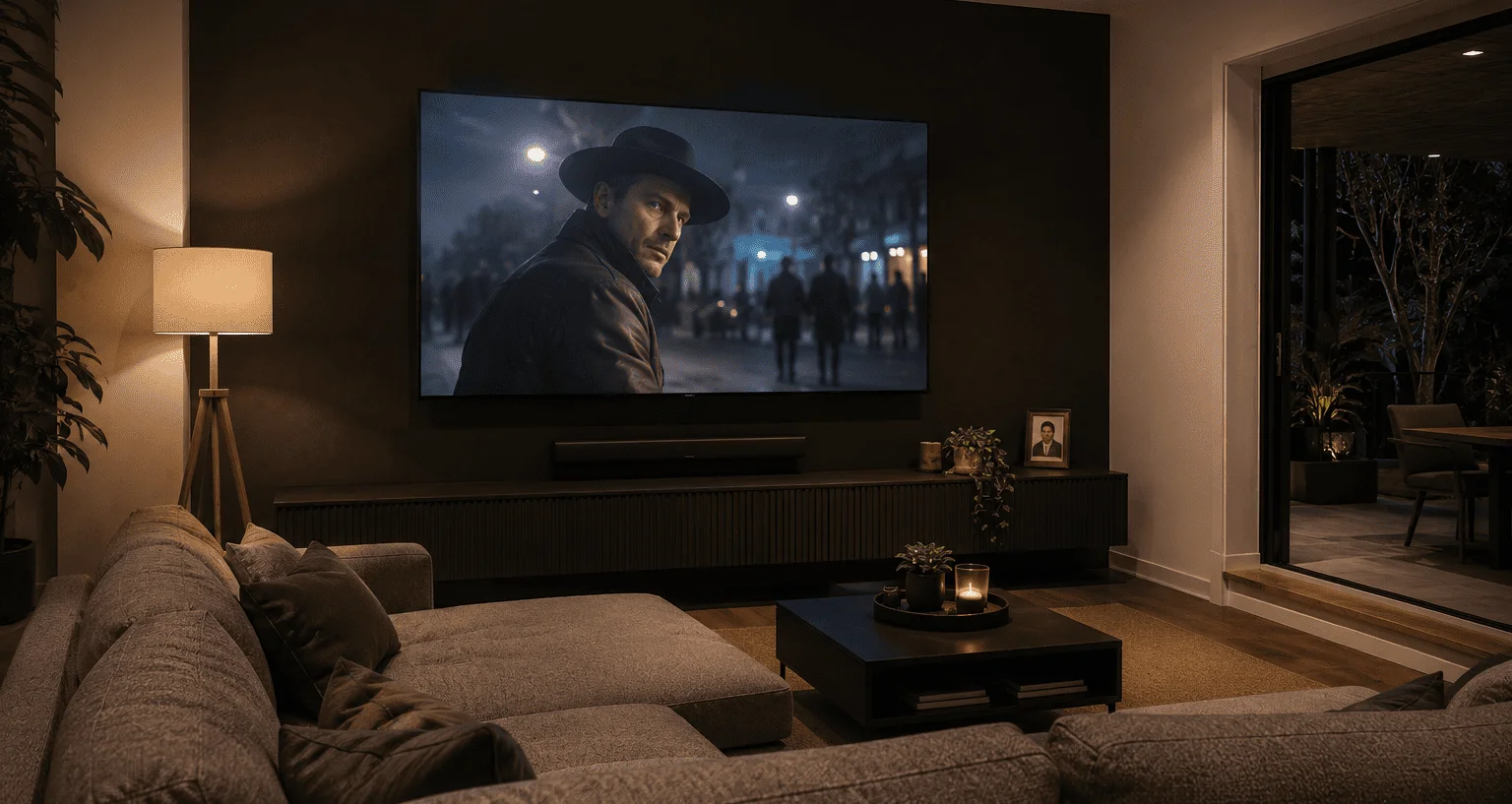
A great home theatre setup doesn’t happen by accident. It comes down to smart decisions about cables, sound positioning, screen selection, and how all those elements work together in your specific room. Get those decisions right upfront, and you’ll enjoy years of genuine cinema-quality viewing at home. Get them wrong, and even expensive gear will underperform.
At Brocky’s TV, we’ve helped Sunshine Coast households plan and install home theatre setup of every size and budget. Here’s a practical, no-nonsense guide to the three core elements that make or break the experience: cables, sound, and screens.
Understanding What Makes a Home Theatre Setup Work
As Wikipedia’s overview of home cinema explains, a home theatre system aims to reproduce a movie theatre experience using consumer-grade video and audio equipment. In the 2020s, that typically means a large high-definition flatscreen or projector, multi-channel surround sound, and a subwoofer to handle low-frequency effects.
The key insight is that all three elements, picture, sound, and connectivity, need to be matched to each other and to your room. A mismatch anywhere in the chain limits the whole system.
Part 1: Choosing the Right Cables for Your Home Theatre Setup
Cables are the most underestimated component in any home theatre setup. Poor cable choices cause signal dropouts, resolution limitations, audio delays, and reliability issues that even the best hardware can’t compensate for.
HDMI Cables
HDMI is the primary connection between your TV, AV receiver, streaming devices, gaming consoles, and Blu-ray player. For any modern home theatre setup running 4K content with HDR or Dolby Vision, you need HDMI 2.1 certified cables. Earlier HDMI standards can’t reliably carry the bandwidth required for high-frame-rate 4K content.
Key HDMI cable considerations:
- Use HDMI 2.1 certified cables for all 4K and HDR connections
- Keep cable runs as short as practical, signal degradation increases with length
- Never use cheap unbranded cables for critical connections
- Label every cable at both ends before installation for future troubleshooting
For a deeper look at which cable types suit different home theatre connections, RS Components’ Australian guide on AV cable essentials for home theatre setup covers HDMI, optical, and speaker wire options in detail, well worth reading before you buy.
Audio Cables
For connecting a soundbar or AV receiver to your TV, optical digital audio cables provide clean, interference-free digital sound. For speaker wire running from an AV receiver to passive speakers, thicker gauge wire reduces resistance over longer distances.
A useful rule of thumb: for speaker wire runs up to five metres, 16-gauge is adequate. For runs of five to ten metres, step up to 14-gauge to maintain consistent performance.
Part 2: Getting Your Home Theatre Sound System Right
Sound quality in a home theatre setup is determined by three factors: the equipment itself, speaker placement, and room acoustics. Most people focus on equipment and overlook the other two entirely.
Choosing Your Sound System
For a true surround sound experience, the two most common configurations are:
5.1 surround sound:
- Front left, centre, and front right speakers
- Two surround speakers positioned to the side and slightly behind the seating area
- One subwoofer for low-frequency effects
- The most popular setup for typical Sunshine Coast living rooms
7.1 surround sound:
- Adds two additional rear speakers behind the seating position
- Better suited to larger dedicated home theatre rooms
- Requires more precise placement for the additional channels to add value
Soundbars are a practical alternative for rooms where running speaker cables isn’t feasible. Premium soundbar models with Dolby Atmos support deliver impressive results in compact setups.
Speaker Placement
Placement transforms average speakers into exceptional performers. Common placement rules for a home theatre setup:
- Front left and right speakers should be positioned at ear level when seated, angled slightly inward toward the primary seating position
- The centre speaker handles most dialogue and should be positioned directly below or above the screen, as close to screen height as possible
- Surround speakers work best at ear level or slightly above when seated, positioned to the side and slightly behind the listening position
- The subwoofer position affects bass quality significantly, try multiple positions and listen before committing
Room Acoustics
Hard, parallel surfaces reflect sound and create echo that muddies dialogue and reduces immersion. Rugs, soft furnishings, curtains, and wall art all improve acoustics without requiring specialist treatment. Rooms with mixed hard and soft surfaces consistently outperform bare rooms with identical equipment.
Part 3: Choosing the Right Screen for Your Home Theatre Setup
Screen selection should be driven by your room’s dimensions, lighting conditions, and viewing distance, not just screen size preferences.
Screen Size and Viewing Distance
A practical formula: your seating distance in centimetres divided by 2.5 gives you a good maximum screen diagonal in inches. For a 3-metre seating distance, that’s roughly 120 centimetres, or about 47 inches as a minimum. For full immersion, most Sunshine Coast home theatre setups work well with screens between 65 and 85 inches at typical living room distances.

Panel Technology
OLED screens deliver exceptional contrast with true black levels, making them ideal for rooms where lighting can be controlled. They perform brilliantly for film watching and gaming.
QLED and LED-LCD screens are brighter than OLED and better suited to rooms with significant ambient light, common in Sunshine Coast homes with large windows. Quality models deliver excellent colour accuracy and sharp detail.
Projectors suit dedicated home theatre rooms with controlled lighting and are the only practical option for screen sizes above 100 inches without significant cost.
TV Mounting
Screen placement affects both comfort and picture quality. The centre of the screen should align with seated eye level. Mounting too high is the most common home theatre setup mistake we see on the Sunshine Coast, causing neck strain and a less immersive viewing angle.
Our TV mounting service on the Sunshine Coast includes professional height and angle assessment as part of every installation, so your screen is positioned correctly from the start.
Putting It All Together
The most common home theatre setup mistake is treating cables, sound, and screen as separate decisions rather than an integrated system. Every element affects the others:
- Your AV receiver must be HDMI 2.1 compatible to pass 4K HDR signals through to your TV
- Your speaker placement needs to account for where your seating actually is, not where it might ideally be
- Your screen size needs to suit your actual viewing distance, not just fill the wall
If you want to avoid the most common pitfalls before you start, our blog on common home theatre setup mistakes is worth reading first.
Book Your Home Theatre Setup Today
Whether you’re starting from scratch or optimising an existing setup, the team at Brocky’s TV is ready to help Sunshine Coast households get the most from their home entertainment investment.
See what our customers think by checking out what Sunshine Coast locals say about our work.
Call us on 0754059022, Monday to Friday during business hours.
Contact us today to book your home theatre setup consultation or get a no-obligation quote on any installation work.
FAQs
1. What cables do I need for a 4K home theatre setup?
HDMI 2.1 certified cables for all video connections, optical or HDMI ARC for audio, and appropriately gauged speaker wire for passive speakers. Cable quality makes a bigger difference than most people expect.
2. How far should I sit from my home theatre screen?
Take your seating distance in centimetres and divide by 2.5 for a minimum screen diagonal in inches. Most Sunshine Coast living rooms work well with 65 to 85 inch screens at 2.5 to 4 metre seating distances.
3. Is a soundbar good enough for a home theatre setup?
A quality Dolby Atmos soundbar delivers impressive results, especially where running speaker cables isn’t practical. For the most immersive experience in a dedicated room, a full 5.1 or 7.1 speaker system is still the better choice.
4. Where should I position my subwoofer?
Try several positions before committing. Corner placement increases bass output but can create unevenness across the room. Listen and adjust until the bass sounds balanced from your primary seating position.
5. Do I need a professional for home theatre setup?
Simple soundbar and smart TV setups are manageable DIY. For wall mounting large screens, in-wall cables, and full AV receiver configuration, professional installation delivers a noticeably better result.