

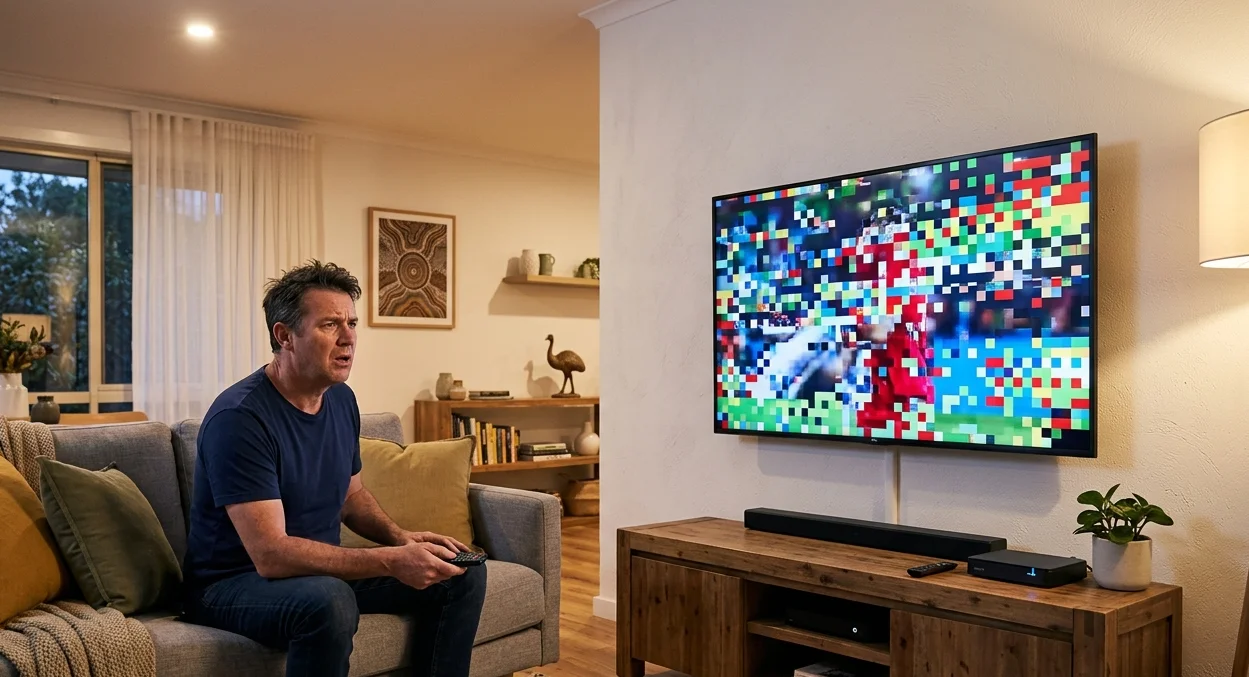
A TV pixelating mid-show is one of the most frustrating reception faults Australian households deal with. The picture breaks up into blocky squares, freezes for a moment, then either recovers or drops out entirely. It looks dramatic, but in most cases the cause is more straightforward than it appears and many TV pixelating situations are fixable without any specialist equipment.
At Brocky’s TV, we diagnose and fix TV pixelating faults across the Sunshine Coast regularly. Here’s exactly what’s causing it and what to do about each scenario.
Why Does a TV Pixelate?
Digital television is fundamentally different from the analogue system it replaced. Where analogue produced a snowy but viewable picture as signal degraded, digital TV either works perfectly or breaks up entirely. This is why TV pixelating can appear suddenly when previously the reception was fine it’s the signal crossing the minimum threshold required for the digital tuner to decode the picture cleanly.
As covered in how digital terrestrial television handles signal quality and error correction, digital TV systems use error correction algorithms that work well for minor signal issues but produce visible pixelation and dropout when the signal degradation exceeds what the decoder can compensate for.
This binary behaviour means a relatively small change in signal quality can produce very visible results, which is why TV pixelating often appears during specific weather conditions, at certain times of day, or on specific channels.
The Most Common Causes of TV Pixelating on the Sunshine Coast
1. Weak or Marginal Signal Strength
The single most common cause of TV pixelating on the Sunshine Coast is a signal that’s too weak to maintain clean digital reception. Digital television needs a minimum signal level to decode correctly. Below that threshold, the picture breaks up.
Signs this is your situation:
- Pixelation affects all channels rather than specific ones
- Reception is worse in the evenings when atmospheric conditions change signal propagation
- Properties that are further from the Mt Cooroora or Gympie broadcast transmitter are more affected
- Reception improves temporarily after a channel rescan
What to try:
- Run a full auto-scan through your TV or set-top box settings to refresh the channel list
- Check whether a channel rescan brings in more channels at better quality, which indicates signal is present but marginal
2. Antenna Misalignment or Damage
An antenna that’s shifted out of alignment, even slightly, can reduce signal strength enough to push reception below the pixelation threshold. Storm winds are the most common cause on the Sunshine Coast, but physical impact, wildlife, and general weathering all contribute over time.
Signs of antenna issues:
- Pixelation appeared after a storm or period of strong winds
- The pixelation affects all channels rather than specific frequencies
- Visual inspection from the ground shows the antenna pointing in an unexpected direction
Do not attempt to access the roof to check or realign an antenna without proper safety equipment. A professional inspection identifies antenna issues safely and accurately.
3. Faulty, Damaged, or Aged Coaxial Cabling
The coaxial cable running from your antenna to your television is the only path the signal has to travel through. Cable that’s been damaged, kinked, or that has aged to the point where the insulation has deteriorated introduces signal loss and noise that produces TV pixelating symptoms.
What causes cable faults:
- Cracks or kinks in the cable from physical damage or heat stress
- Corroded connectors on outdoor connections exposed to the Sunshine Coast’s coastal salt air
- Old RG59 cabling that should have been replaced with RG6 during the antenna system’s last upgrade
- Poorly terminated inline joins or splitters that introduce impedance mismatches
What to check at home:
- Inspect the visible cable runs for any obvious physical damage
- Confirm the cable connector at the back of the TV is seated firmly
- Try bypassing any splitters or distribution equipment temporarily to confirm whether they’re contributing to the fault
4. Passive Splitters Dividing a Signal That Can’t Support the Split

Many Sunshine Coast homes use a single antenna to feed multiple televisions through passive splitters. Each passive split introduces signal loss. If the incoming signal is already marginal, splitting it further pushes the signal at some TV points below the minimum threshold for clean digital reception, producing TV pixelating on affected sets.
Signs this is the cause:
- Pixelation only affects certain TV points in the home, not all of them
- The TV closest to the antenna point works well but others don’t
- The problem started or worsened when a new TV point was added
The fix is either a distribution amplifier that compensates for split losses, or a masthead amplifier at the antenna to boost the signal before distribution. For correctly specified options, TV antenna boosters and amplifiers covers the available solutions in detail.
5. Weather and Atmospheric Conditions
TV pixelating that appears during heavy rain, storms, or periods of high humidity and then clears when conditions improve is often caused by atmospheric effects on signal propagation rather than a permanent fault.
What’s happening:
- Heavy rain absorbs and scatters UHF frequencies, weakening signals that reach your antenna
- High humidity and temperature inversions can cause signal refraction that temporarily changes how well your antenna picks up the transmitter
- Moisture in outdoor cable connections or inside the antenna feedpoint causes additional signal loss during wet conditions
If TV pixelating only happens during adverse weather, the antenna system is receiving a marginal signal that’s adequate under normal conditions but insufficient during weather events. A correctly specified antenna upgrade or masthead amplifier resolves weather-dependent pixelation by providing adequate signal margin.
6. Interference From Other Devices
Electrical interference from household devices operating near the antenna cable or connected equipment can introduce noise into the signal path, producing TV pixelating symptoms that aren’t related to signal strength.
Common interference sources:
- LED downlights with poor electrical filtering
- Switchmode power supplies in nearby equipment
- Powerline network adapters that generate noise on the electrical wiring
- 4G and 5G mobile signals in the frequency range adjacent to broadcast TV channels
A licensed installer can identify interference sources using appropriate diagnostic equipment and advise on filtering or isolation solutions.
For a deeper look at what causes digital signal breakup specifically and how it differs from other reception faults, digital television pixelation and breakups covers the technical detail behind the symptoms.
For a full professional assessment and fix for TV pixelating issues on the Sunshine Coast, TV reception fix on the Sunshine Coast covers signal testing, antenna assessment, and targeted repairs across all Sunshine Coast areas.
For further reference on what reception quality standards Australian households can expect from their free-to-air service, ACMA’s consumer guide to TV reception provides the authoritative Australian context.
When TV Pixelating Needs Professional Diagnosis
Some TV pixelating causes can be ruled out with basic home checks. But these are clear signs a professional signal assessment is needed:
- Pixelation persists across all channels after a channel rescan
- The fault appeared after a storm and visual inspection suggests antenna movement
- Pixelation affects some TV points but not others in the same property
- Reception is consistently worse in the evenings or during specific weather
- Basic cable checks and splitter bypass tests haven’t identified the cause
A professional signal meter test at the antenna and at each TV point gives you an accurate picture of where the fault lies and what the most cost-effective fix is.
Why Sunshine Coast Locals Trust Brocky’s TV
We’re a local antenna service, not a national franchise. When you contact Brocky’s TV, an experienced local technician measures your actual signal levels before recommending anything, giving you an accurate diagnosis rather than a guess.
Here’s what you get with every TV pixelating fix assessment at Brocky’s TV:
- Signal meter testing at the antenna and at every affected TV point
- Honest diagnosis before any equipment is recommended or purchased
- Professional antenna realignment, cable repair, and booster installation where needed
- Full signal testing after any work to confirm the fix
- Transparent, upfront pricing with no surprises
We’ll let the locals we’ve helped do the talking.
Fix Your Pixelating TV Today
Don’t put up with a TV pixelating problem that interrupts your viewing every time the conditions change. Whether it’s a cable repair, an antenna realignment, or a properly specified booster, the team at Brocky’s TV is ready to help.
From fixing TV pixelating issues to full antenna installations and reception troubleshooting across the Sunshine Coast, you can find everything we do at Brocky’s TV.
Contact Brocky’s TV today and we’ll assess your signal and recommend the right fix before anything is purchased or installed.
FAQs
1. Why is my TV pixelating on only some channels?
Channel-specific pixelation usually means those channels are transmitted on a different frequency or from a different transmitter that your antenna is less well-aligned to receive. A channel rescan and antenna check confirms this.
2. Why does my TV pixelate more at night?
Evening atmospheric conditions change how UHF signals propagate, often reducing signal strength for marginal reception locations. This is a classic sign the antenna system needs a booster or upgrade to provide adequate signal margin.
3. Can rain cause TV pixelation?
Yes. Heavy rain absorbs UHF frequencies and moisture in outdoor connections adds signal loss. If pixelation only occurs during wet weather, the incoming signal is marginal and weather events push it below the digital threshold.
4. Will a TV signal booster fix pixelation?
Only if the cause is marginal signal strength or distribution losses from passive splitting. A booster won’t fix an antenna that’s misaligned, cabling that’s faulty, or interference from other devices. A signal test before fitting a booster prevents spending on the wrong solution.
5. Does Brocky’s TV fix pixelation problems across the Sunshine Coast?
Yes. We diagnose and fix TV pixelating issues across the Sunshine Coast including Maroochydore, Caloundra, Noosa, Nambour, Buderim, and surrounding areas, always with signal meter testing before any work is recommended.