

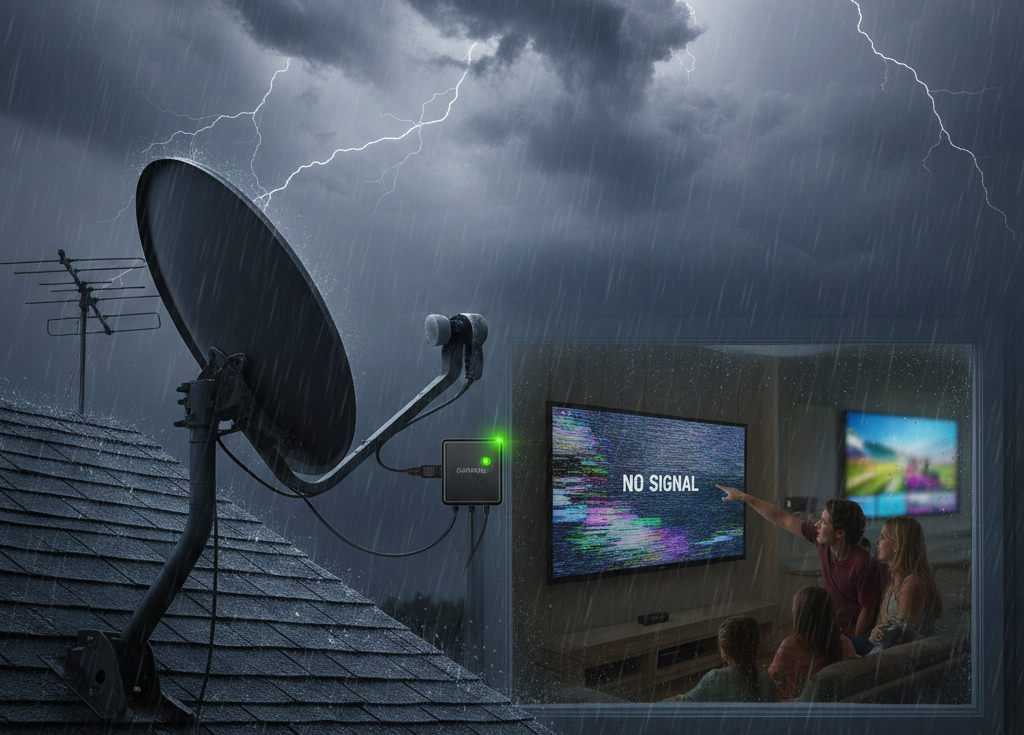
Weather conditions can have a noticeable impact on television reception, and in many cases, they are the reason signals become unstable. Elements such as heavy rain, strong winds, storms, high humidity, and prolonged heat can weaken broadcast signals, leading to pixelation, freezing screens, or sudden loss of channels. This guide explains how weather affecting your TV signal can vary from home to home, why some properties experience more disruption than others, and how a TV signal booster may help strengthen reception. It also outlines practical steps homeowners can take to reduce interference, improve signal stability, and maintain clear picture quality during changing weather conditions.
Why Weather Affects Your TV Signal
Digital TV signals travel through the air from local broadcast towers to your antenna. Weather conditions—especially humidity, rain, wind, and electrical storms—affect how smoothly these signals reach your home. Even though digital TV offers clearer picture quality than analogue, it is more sensitive to signal fluctuations because the picture either works clearly or breaks down into pixelation.
Weather conditions most likely to impact TV reception:
- Heavy rain
- Thunderstorms
- High humidity
- Heatwaves
- Strong winds
- Atmospheric pressure variations
If your picture freezes or pixelates only when the weather changes, this is a strong indicator of weather-related interference.
How Different Weather Conditions Affect Your TV Signal
1. Rain and Storms
Rainfall increases moisture in the air, which absorbs and scatters digital TV signals. Heavy storms also cause electrical interference, increasing pixelation and dropouts.
2. Wind
Strong winds can:
- Shake your antenna
- Misalign it slightly
- Loosen cables or connectors
Even small shifts can reduce signal quality dramatically.
3. Heatwaves
Extreme heat expands materials in antenna mounts and cables, which may cause:
- Loose cable connections
- Warped mounting brackets
- Weakened signal pathways
4. High Humidity or Fog
Moisture particles weaken digital signals and reduce their strength when travelling long distances.
External resources such as ACMA broadcasting coverage maps and Freeview Australia signal guides provide a closer look at how atmospheric conditions influence TV signals.
Why Some Homes Experience Weather Interference More Than Others
Your home’s location, antenna setup, age of equipment, and surrounding obstacles all play major roles in signal stability.
Factors increasing weather-related signal issues:
- Your house sits in a low-lying area
- Distance from local broadcast towers
- Old or corroded antenna cables
- Antennas not designed for modern digital frequencies
- Trees blocking your line of sight
- High-rise buildings nearby
Homes closer to broadcast towers still experience dropouts if cables or wall ports are old or damaged.
To explore safe, professional TV installation options, visit TV Mounting Sunshine Coast
How a TV Signal Booster Helps in Bad Weather
A TV signal booster strengthens weak signals before they reach your television. It cannot eliminate weather interference, but it dramatically improves stability and reduces dropouts.
Benefits of installing a signal booster:
- Stronger reception during bad weather
- Reduced pixelation
- Smoother channel scanning
- Improved signal stability in low-signal areas
- Better quality in multi-TV homes
Boosters are especially effective in homes far from broadcast towers or in areas with geographical interference.
Types of TV Signal Boosters
1. Masthead Boosters
Installed near the antenna, these boost signals at the source and work best for homes with long cable runs or weak reception areas.
2. Indoor Boosters
These sit inside the home, boosting the signal before it reaches your TV. They are easier to install but less powerful.
3. Distribution Amplifiers
Used when one antenna feeds multiple TVs. They help ensure every TV receives equal signal strength.
Your installer will help determine the best type for your home.
Signs You Need a TV Signal Booster
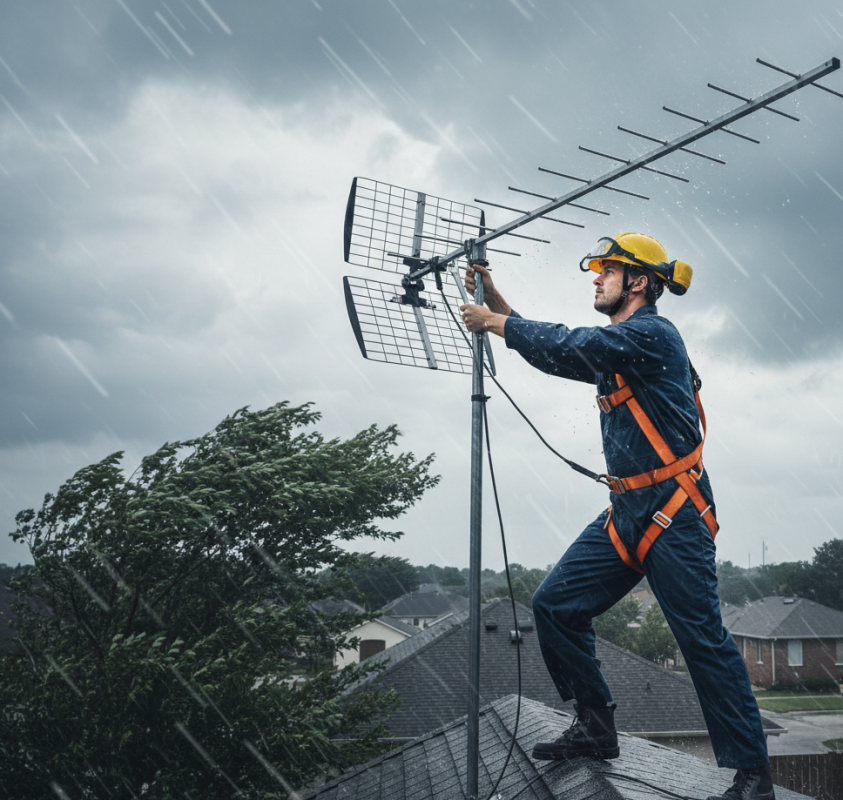
You may benefit from a booster if you frequently experience:
- Pixelation
- Freezing pictures
- Sudden channel loss
- “No Signal” messages
- Interference during storms
- Difficulty scanning channels
- Poor reception in just one room
If these issues appear only in bad weather, a booster is often the ideal solution.
How Antenna Age and Cables Affect Weather Interference
Even with a booster, old equipment weakens performance. Many dropouts come from worn or deteriorating parts rather than weather alone.
Common equipment issues:
- Rusted connectors
- Old coaxial cables
- Loose mounting brackets
- Antenna corrosion
- Damaged wall ports
Replacing these components improves reception significantly.
If your TV setup affects internet devices due to interference or cabling, you may want to refer to this guide on fixing WiFi issues.
How to Reduce Weather-Related TV Interference at Home
1. Upgrade your antenna
Older antennas are not designed for modern digital signals.
2. Replace damaged or old cables
Cracked or rusted connections weaken your signal.
3. Secure and realign your antenna
Windstorms can shift your antenna slightly.
4. Trim trees blocking signal paths
Branches sway in the wind and block the line of sight.
5. Install a high-quality booster
Amplify weak signals before they reach your TV.
External DIY resources such as CNET TV mounting guides and Energy.gov home-electronics safety tips offer additional installation insights.
When to Call a Professional
A technician is recommended when:
- Your antenna is hard to access
- You have repeated weather-related issues
- Your area has low reception
- Channels keep disappearing
- Pixelation appears on all TVs
- Indoor boosters don’t fix the issue
Professionals test signal strength using advanced meters, identify interference sources, and install boosters correctly to avoid overload or distortion.
Final Thoughts & Professional Help
Weather can significantly impact your TV signal, causing pixelation, dropouts, and poor picture quality. A TV signal booster helps stabilize reception, especially in homes located far from towers or facing environmental obstacles. Combining a booster with modern cables, proper mounting, and updated antennas ensures better stability year-round—even during storms or humid conditions.
For professional TV repairs, antenna upgrades, and booster installations, contact Brockys TV.
To explore all services or request expert help, visit Brockys TV .
Frequently Asked Questions
1. Why does my TV signal drop out during storms?
Moisture, wind, and electrical activity weaken broadcast signals.
2. Will a signal booster fix weather issues completely?
It won’t fix everything, but it significantly improves weak reception.
3. How do I know if my cables are causing interference?
Check for rust, cracks, loose connectors, or worn cable insulation.
4. Does antenna age matter?
Yes. Older antennas lose efficiency and may not support digital frequencies.
5. When should I call a technician?
If pixelation or dropouts continue after basic checks, professional testing is needed.